
AI presentation tools are great for going fast, much less for going far. Copilot in PowerPoint, Gamma or Beautiful.ai generate a presentable deck in minutes. For an internal presentation, that is often enough. For a presentation that carries the company image, their limits show quickly. Here is a designer’s comparison.
Microsoft Copilot in PowerPoint
- Strengths: built into Microsoft 365, it creates slides from a Word document or a prompt, summarises, reorganises, and can rely on the company template.
- Limits: quality depends heavily on the starting template; without well-built masters, the result stays generic.
- Best for: teams with a good corporate template who produce many internal decks.
Gamma
- Strengths: very fast, modern look, designed for web presentations shared by link.
- Limits: recognisable style, limited fine control over brand guidelines, PowerPoint export often needs rework.
- Best for: a first draft, a presentation shared online, a small business without strict brand rules.
Beautiful.ai
- Strengths: “smart” layouts that adjust automatically, guaranteed visual consistency.
- Limits: reduced creative freedom; you stay within the templates provided.
- Best for: recurring, clean sales decks with no need for original design.
What a designer adds
- The message: structure, hierarchy, what to remove.
- Brand guidelines followed to the pixel, and a visual identity that does not look like everyone else’s.
- Native PowerPoint files and templates that AI and your teams can then use properly.
- Confidentiality and human control over sensitive content.
The eye of a designer specialised in on-screen delivery
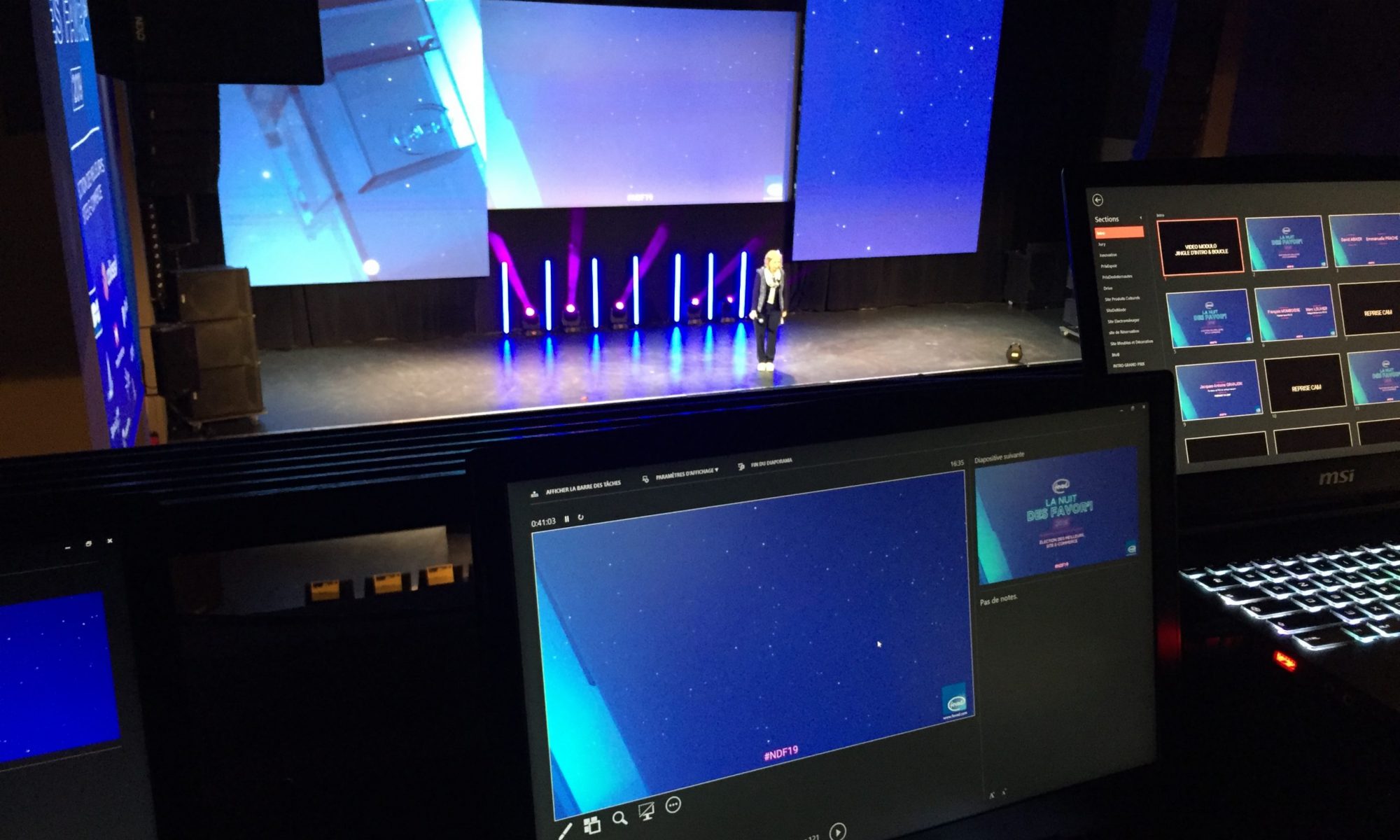
A slide is not a poster or a web page: it is made to be projected, seen from a distance, for a few seconds, while someone is speaking. A designer specialised in on-screen delivery masters a whole set of technical and structural parameters that neither AI nor an occasional user knows about:
- Readability at a distance: minimum font size depending on room and screen size, stroke weight, line spacing.
- Real contrast: a projector or LED wall does not render colours like a computer screen; contrasts that look perfect on screen can vanish in the room.
- Slide structure: one idea per slide, clear hierarchy, a consistent grid and alignment, the amount of text an audience can read while listening.
- Pace: slides per minute of speech, the order in which elements appear, animation that serves the message rather than decorates.
- Delivery constraints: specific screen formats and resolutions, safe areas, video weight and format, embedded fonts, compatibility with the AV team’s machine.
It is this eye, built over hundreds of conferences, plenaries and launches, that makes the difference between a presentation that looks nice on screen and one that works in front of a room.
The best of both
The most effective combination today: a designer builds a solid PowerPoint template and the key slides, then your teams and Copilot produce everyday presentations on that basis. You gain speed without losing your identity.
Frequently asked questions
Why are AI-generated presentations sometimes unreadable in a conference room?
Because AI does not take projection conditions into account: room size, audience distance, colour rendering on a projector or LED wall, reading time while the speaker talks. These are exactly the parameters a designer specialised in on-screen delivery masters.
Can Copilot apply my brand guidelines?
Copilot can start from your company’s PowerPoint template if it is well built, which greatly improves the result. Without a clean template, it produces a generic layout.
Do Gamma or Beautiful.ai export to PowerPoint?
Yes, but the export is often less clean than in the tool itself: approximate layouts, elements that are hard to edit. Plan for rework if the file has to live in PowerPoint.
Which tool should I use for an important presentation?
For a first draft, any of them saves time. For a presentation that carries the company image, the ideal is a solid PowerPoint template, used by Copilot or your teams, and a designer’s finish.
I design PowerPoint templates and presentations built to be used with Copilot. See also: how to create a corporate PowerPoint template.