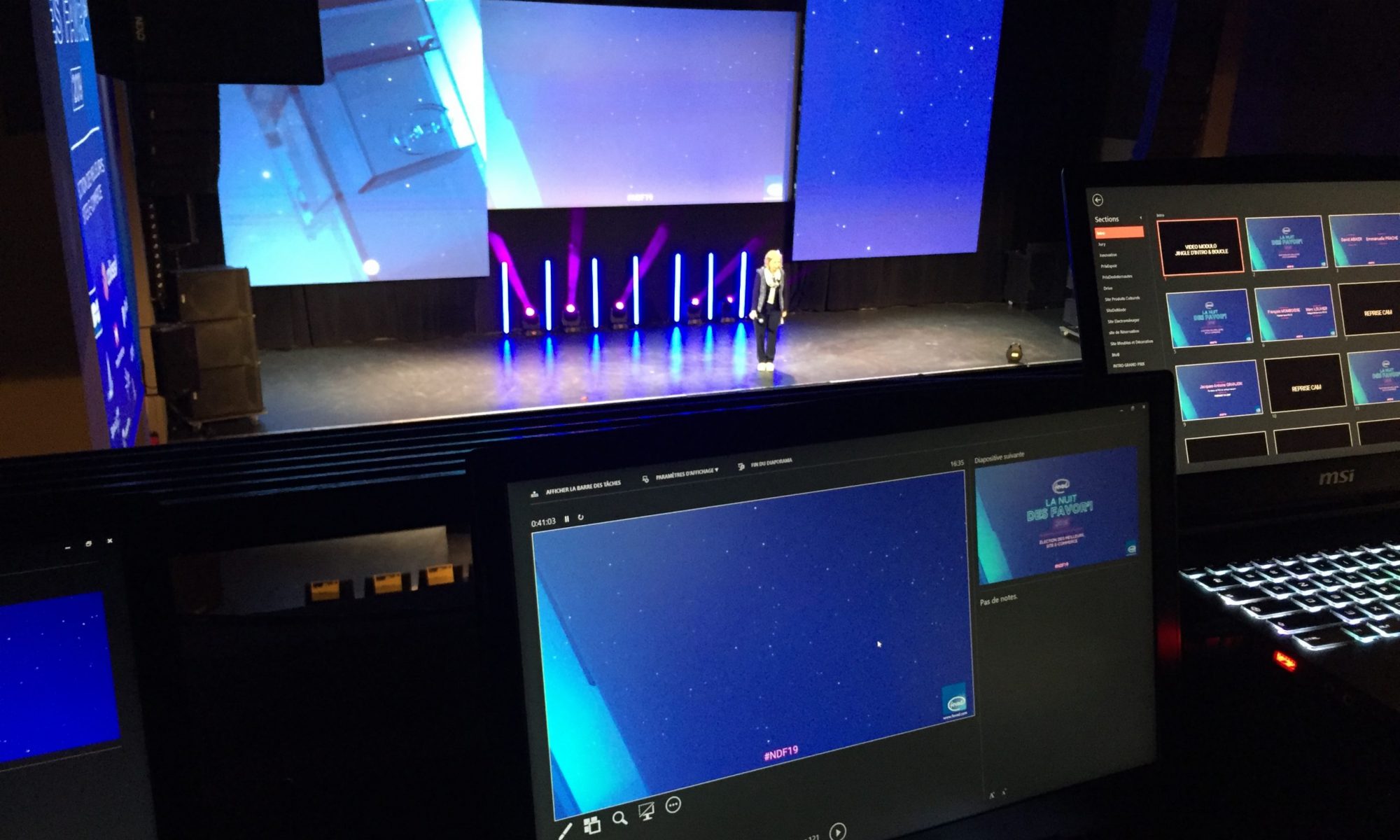

A good corporate PowerPoint template is a file anyone can use without breaking the brand guidelines. It relies on a theme (colours and fonts), a slide master and a set of ready-to-use layouts. Here is the method I use for large companies.
1. Start from real use cases, not just the brand book
Before designing, list the presentations teams actually produce: board meetings, sales decks, results, training. Each use case reveals layout needs: lots of text, lots of figures, lots of images.
2. Define the theme
- Theme colours: brand colours placed in the right slots (text, background, accents) so charts and SmartArt pick them up automatically.
- Theme fonts: one heading font and one body font available on every computer, or a compatible fallback.
3. Build the slide master and layouts
- Use real placeholders (title, text, picture, chart) rather than free text boxes.
- Include the key layouts: cover, section divider, title and text, two columns, full-bleed image, charts, key figures, quote, closing slide.
- Put the logo, page numbers and legal notice in the master so they are never moved by mistake.
- Name each layout clearly (“02 – Title + text”) so users find their way.
4. Add an asset library
Icons, pictograms, maps, standard diagrams and examples of good slides save a huge amount of time and prevent off-brand creations.
5. Test with real users
Ask two or three colleagues to rebuild an existing deck with the new template. Their difficulties show what to simplify before roll-out.
6. Roll out and maintain
Save the file as .potx, distribute it through Microsoft 365 shared templates, and appoint someone in charge of updates.
Frequently asked questions
What is the difference between a theme, a slide master and a PowerPoint template?
The theme holds colours, fonts and effects; the slide master defines the structure of the slides; the template (.potx) is the file that brings it all together and serves as the starting point.
How many layouts should a template include?
Between 10 and 25 is enough in most cases: cover, section divider, title and text, two columns, image, charts, key figures, quote, closing slide.
How do I roll out a template to the whole company?
Through the shared templates folder in Microsoft 365 or the organisation asset library, so everyone always starts from the latest version.
I design custom PowerPoint templates for companies and agencies, and have done since 2001. Let’s talk about your project: please@nextslide.fr.