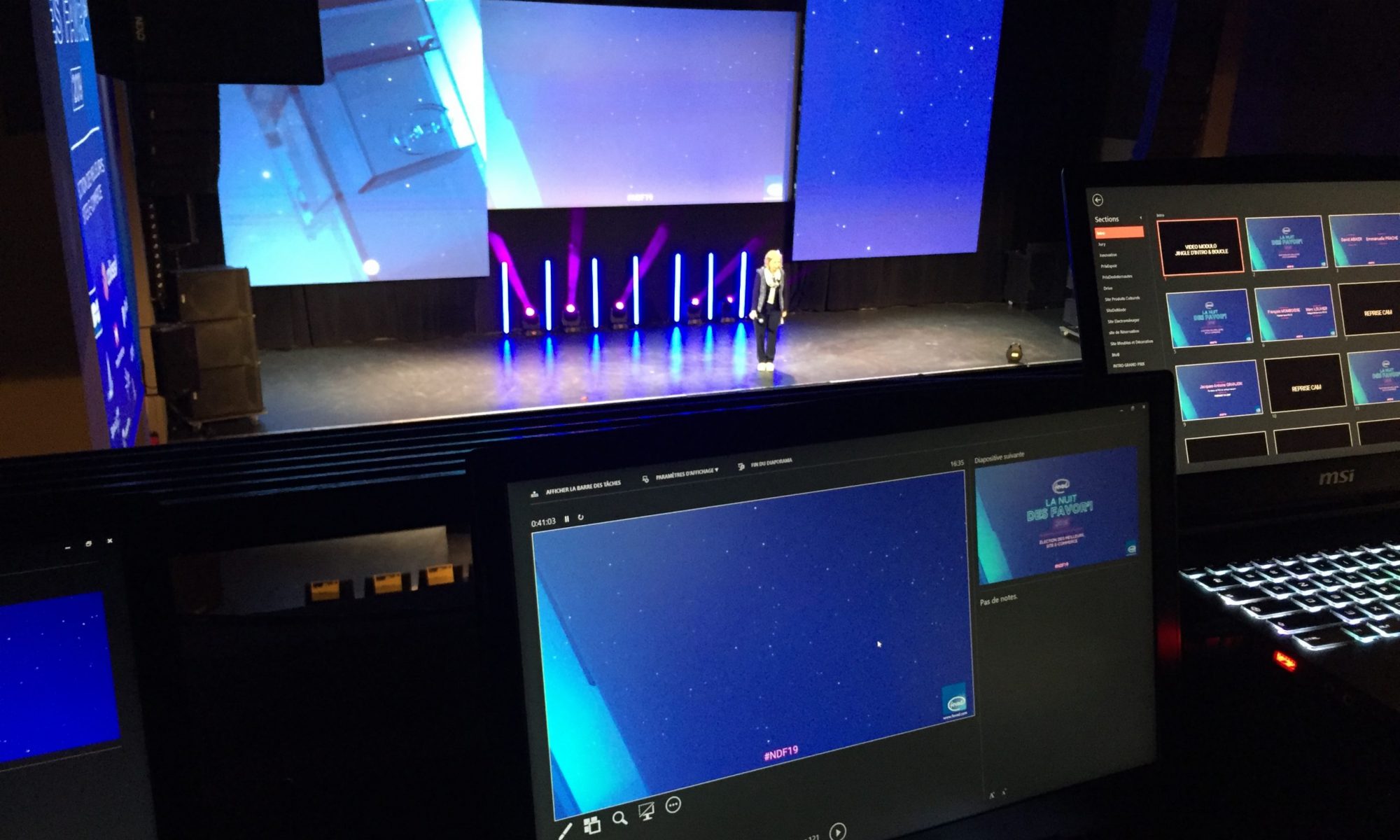

Keynote can open a PowerPoint file and vice versa, but the result is rarely perfect. Replaced fonts, lost animations, shifted objects and charts turned into images: as soon as a deck is a little polished, a clean rebuild is needed.
What goes wrong with automatic conversion
- Fonts: if a font is not installed, it is replaced and the whole layout shifts.
- Masters: layouts are imported but often poorly recognised, which makes later edits harder.
- Animation: Morph (PowerPoint) and Magic Move (Keynote) do not match exactly; many effects are simplified or dropped.
- Charts: Excel-linked or custom charts sometimes become non-editable images.
- Video: some formats are not supported by the other application.
How to get a clean conversion
- Install the deck’s fonts on your computer before opening the file.
- Recreate the theme (colours, fonts, layouts) in the target application.
- Move the content slide by slide into the right layouts.
- Rebuild animations with native tools: Magic Move in Keynote, Morph in PowerPoint.
- Rebuild charts with the native chart tool so they stay editable.
- Test on the final presentation machine.
When should you call a designer?
For a few simple slides, automatic conversion is fine. For a conference deck, a pitch or a corporate template, a rebuild by a designer fluent in both applications avoids nasty surprises on the day.
Frequently asked questions
Is automatic PowerPoint to Keynote conversion reliable?
For a simple deck, yes. As soon as there are specific fonts, animation, charts or complex masters, a manual rebuild gives a much better result.
Are animations preserved?
Only partly. Morph and Magic Move do not map perfectly, and complex animations often need to be rebuilt.
Do charts stay editable?
Simple charts do, but Excel-linked data and custom charts are often turned into images and must be rebuilt to stay editable.
I convert and rebuild presentations between PowerPoint and Keynote while keeping their layout: see Keynote designer and PowerPoint designer.