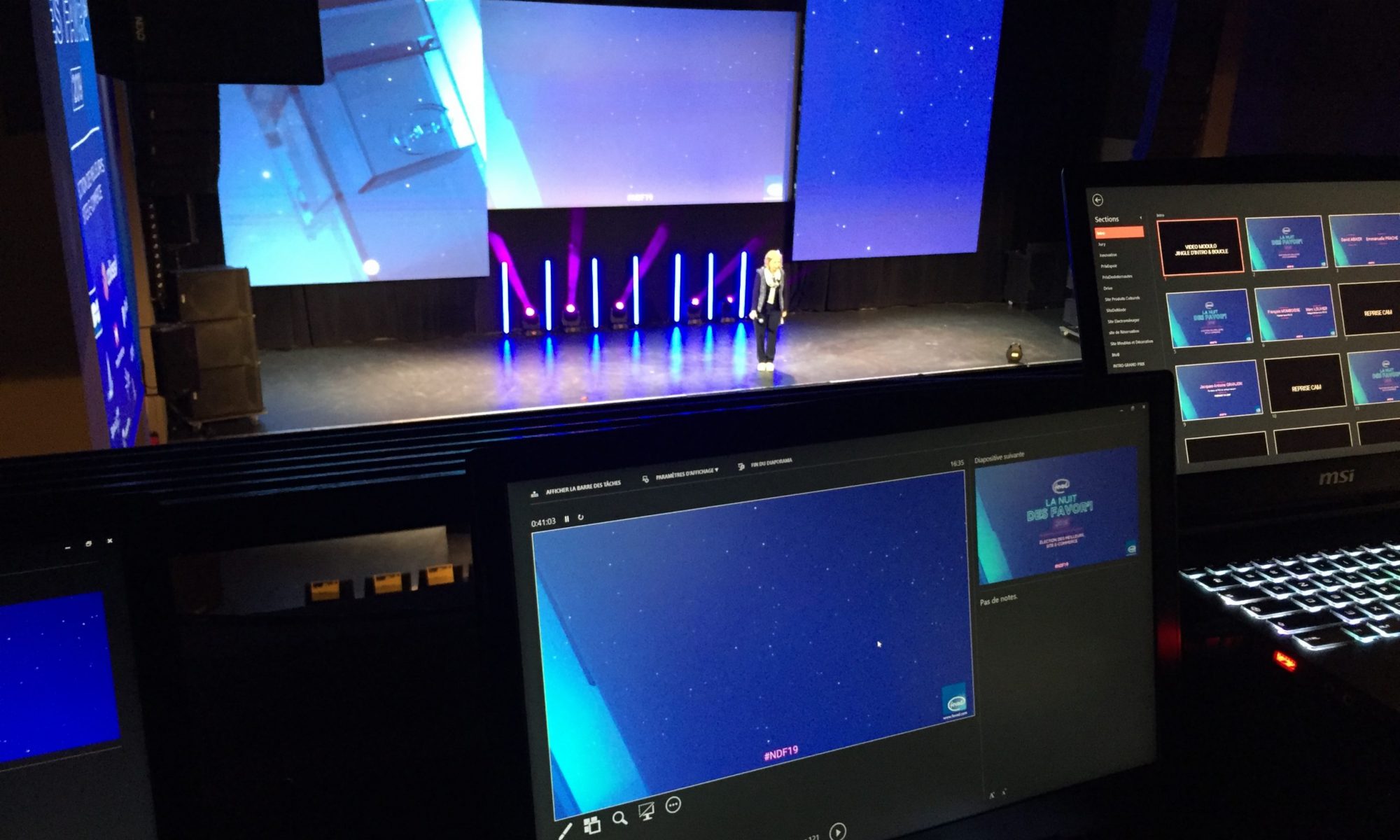

Short answer: classic PowerPoint Designer is a layout assistant, not really generative AI. It rearranges what you have already put on the slide. Since 2025, for Microsoft 365 Copilot users, it is being replaced by Copilot’s “Design Suggestions”, which are generative AI. And a “PowerPoint designer” can also simply be a person.
What PowerPoint Designer does
The Designer button (Home tab) suggests layouts as soon as you add a title, text or pictures: photo arrangements, a list turned into a visual, a more graphic title slide. It works with the file’s theme and can suggest icons or illustrations from Microsoft’s library.
It does not write your content or create new slides, though: it rearranges existing elements. It is machine learning applied to layout, and Microsoft does not present it as generative AI.
What changed with Copilot
Since spring 2025, Microsoft has been evolving Designer into Design Suggestions (sometimes promoted as “Slide Starters”), built into Copilot (Microsoft announcement summary, version details):
- people with Copilot see “Design Suggestions” instead of Designer;
- Copilot generates pre-filled slides there: agenda, timeline, content, table;
- people without Copilot keep classic Designer;
- on Personal and Family plans, each suggestion applied uses one AI credit.
Not to be confused with Microsoft Designer
Microsoft Designer is a separate graphic design app that generates images and visuals from a description. It is generative AI, but it is not a PowerPoint feature.
Who does what: summary
| Tool | Generative AI? | What it does | Who has it |
|---|---|---|---|
| Designer (PowerPoint) | No, layout assistant | Suggests layouts for the elements on the slide | Microsoft 365 subscribers |
| Design Suggestions (Copilot) | Yes | Generates pre-filled slides (agenda, timeline, table…) | Plans that include Copilot |
| Copilot in PowerPoint | Yes | Writes, creates a presentation from a document or a prompt | Plans that include Copilot |
| Microsoft Designer | Yes | Generates images and visuals | Separate app |
| PowerPoint designer (person) | No, human | Message, hierarchy, brand, templates, readability in the room | On quote |
So where does a human PowerPoint designer fit in?
Designer and Copilot speed up laying out a slide. They don’t know what to cut, what must stand out, or how the slide will look from the back of a room. And they only produce on-brand slides if your company template was built for them.
That is the purpose of a Copilot-ready PowerPoint template. If you first want to use AI better day to day, read making PowerPoint presentations with AI, in your company’s branding.
Frequently asked questions
Is PowerPoint Designer free?
Classic Designer is included in Microsoft 365 subscriptions. Copilot’s Design Suggestions require a plan that includes Copilot; on Personal and Family plans, each suggestion you apply uses one AI credit.
Why doesn’t Designer show any ideas?
Designer works best on simple slides built with standard layouts (a title, a content area, a picture). Crowded slides or heavily customised corporate templates often get few suggestions, or none.
Does Designer follow my company’s brand guidelines?
It keeps the colours and fonts of the active theme, but its layouts don’t necessarily follow your brand rules. For on-brand generated slides, you need a template built for AI.
Is Copilot replacing Designer?
For people who have Copilot, yes: since 2025 the Designer button gives way to Copilot’s Design Suggestions. Everyone else keeps classic Designer.
Do you still need a PowerPoint designer with Designer and Copilot?
These tools speed up laying out a slide. They don’t choose the message, the hierarchy or what will be readable in the room, and they don’t build your company template. That is where a human designer still adds value.