
AI can make a presentation in two minutes, but rarely one that looks like your company. If you work for a large organisation, you have probably noticed: slides generated by Copilot or ChatGPT look “clean”, but not really on-brand. Here is why, and what you can do today.
Why AI makes slides that don’t look like your company
AI doesn’t know your brand guidelines. It doesn’t know which colours or fonts to use, where the logo goes, or how your teams usually present a figure or a timeline. So it invents an “average” layout. The symptoms are always the same:
- approximate, or plainly off-brand, colours;
- text that is too long or too small to be read in a meeting;
- a misplaced logo, empty footers;
- slides that all look the same, or on the contrary have no consistency at all.
Three habits for better results today
1. Always start from your company’s official template
Before asking the AI anything, open your company’s PowerPoint template: it is often offered in PowerPoint under “New”, or on the intranet. Copilot then reuses the colours and layouts of that file. Without a template, it improvises.
2. Ask for a little at a time
Asking for a whole presentation at once gives a generic result. Start with the outline, approve it, then work slide by slide, stating the message each one must convey.
3. Keep text short
Tell the AI explicitly: “one idea per slide, 30 words maximum”. A slide is read in a few seconds while someone is speaking. Whatever doesn’t fit goes in the speaker notes.
Copilot, ChatGPT, Gemini: what does each tool do?
- Copilot (Microsoft 365): built into PowerPoint, it works directly in your file and your template. It is the best fit if your company uses Microsoft 365.
- ChatGPT: excellent for building the outline and writing the text. Direct PowerPoint layout is less reliable: the safest option is to paste its text into your template.
- Gemini: built into Google Workspace, it is at home in Google Slides.
- Claude: writes very well and can produce PowerPoint files, provided you give it precise rules.
In every case, the right tool is first the one your company allows: confidential documents should never go through a tool your IT department has not approved.
What AI doesn’t do for you (yet)
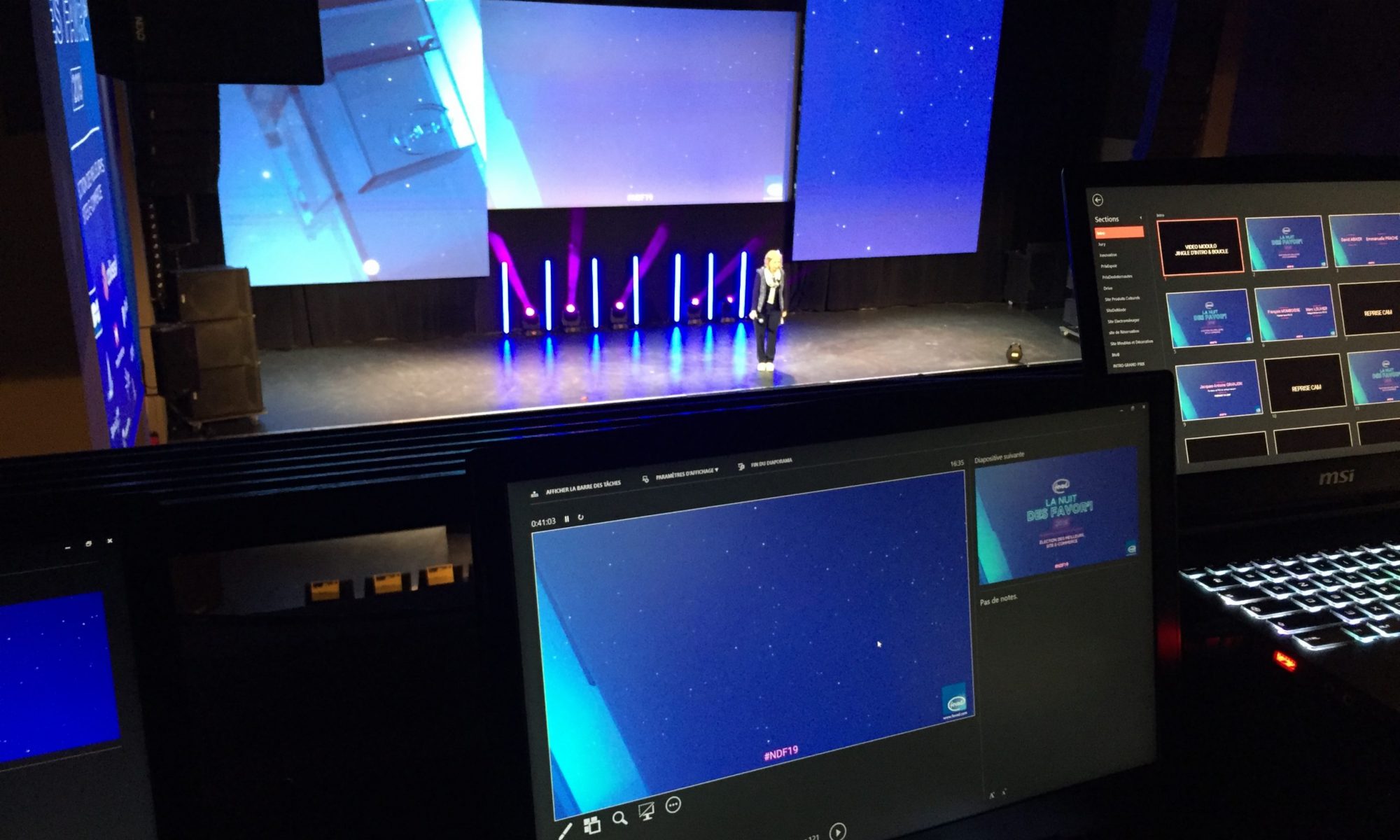
AI lays slides out, but it doesn’t know what to cut, what must stand out, or how a slide will look from the back of a room, on a projector or an LED wall. Message hierarchy and readability remain a matter of a trained eye: I discuss this in Copilot, Gamma, Beautiful.ai: AI presentation tools versus a designer.
When it has to work for the whole team
These three habits improve your presentations. They are no longer enough when 50 or 500 people produce slides every week: everyone gets a different result, and the brand gets diluted.
The real solution is set up once and for all: a PowerPoint template designed for AI, a library of model slides and shared instructions the whole team uses. Many corporate templates were not built for this. That is exactly what I offer with Copilot-ready and AI-ready PowerPoint templates, set up for Copilot, ChatGPT, Claude or Gemini.
Frequently asked questions
Can Copilot use my company’s PowerPoint template?
Yes, if you start from that template, or if your IT department has made it available in PowerPoint. The result then depends on how the template was built: a template designed for AI produces far more on-brand slides.
Why are my AI-made slides unreadable in meetings?
Usually there is too much text, a font that is too small, or colours that lack contrast on a projector. Ask the AI for less text per slide, and always check your deck in slideshow mode, ideally on the room’s screen.
Can I put confidential documents into ChatGPT to make a presentation?
Only if your company allows it, with a version approved by your IT department. Otherwise, use your company’s official AI tool, or remove sensitive information before giving it to the AI.
Will AI replace the communications team or the designer?
No. It speeds up layout, but choosing the message, the hierarchy and readability in the room remain human work. I cover this in Will AI replace PowerPoint designers?
How can my whole team produce on-brand slides with AI?
You need a PowerPoint template designed for AI and shared instructions, set up once for the whole team. That is the purpose of a Copilot-ready PowerPoint template.